
Books that close themselves — double-entry ledger with built-in GST.
Every invoice, payment and credit note auto-posts to the right ledger. GSTR-3B, TDS and trial balance are always one click away.
✓ Auto-posted ledger, GST-ready returns, and financial statements — always current.
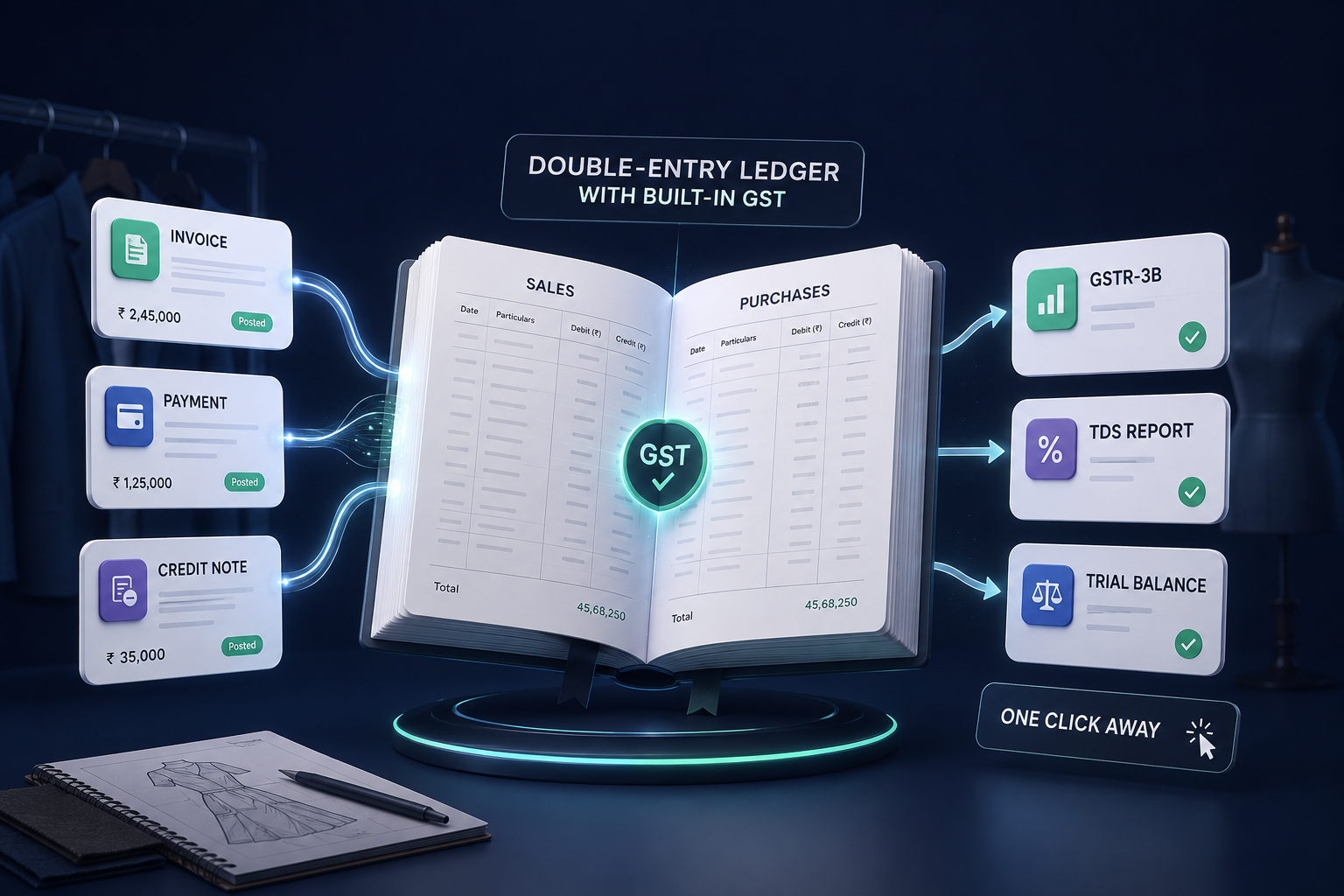
✓ Auto-posted ledger, GST-ready returns, and financial statements — always current.
Most businesses run accounting as an afterthought — manual journal entries in Tally, GST computed in spreadsheets, and trial balances that only exist at year-end when the CA asks.
Flint auto-posts every transaction to a double-entry ledger — so your books, GST, and statements are always current.
How Flint handles your books
Six parts of accounting that work together — an auto-posted ledger, GST returns, TDS computation, financial statements, ITC tracking, and period controls.
Every transaction posts itself
Sales, purchases, payments and receipts all auto-post to the correct double-entry ledger accounts. No manual journal entries for day-to-day operations.
- Double-entry auto-posting
- Party-wise ledger with aging
- Bank reconciliation
GSTR-3B, ready when you are
Flint reconciles your sales and purchase invoices continuously. When filing day comes, your GSTR-3B summary is already prepared — review, confirm, and file.
- Auto-prepared GSTR-3B summary
- Invoice-level reconciliation
- Mismatch alerts before filing
TDS computed, not remembered
Flint applies TDS at the right rate on every purchase payment — 194C, 194J, 194Q. The quarterly computation pulls directly from your payment data, ready for your CA to file.
- Auto-apply TDS on purchase payments
- Section-wise rate lookup
- Quarterly computation report
- Vendor TDS certificates
Trial balance, P&L and balance sheet — always current
Because every transaction auto-posts, your financial statements are always up to date. Pull a trial balance, profit & loss, or balance sheet at any time.
- Real-time trial balance
- P&L statement
- Balance sheet with schedules
- Exportable to Excel
Input tax credit, tracked from purchase to return
Every purchase invoice’s GST flows into your ITC register. Flint matches your claimed credit against GSTR-2B data so you know exactly what’s eligible before you file.
- Purchase-wise ITC register
- GSTR-2B matching
- Reversal tracking
- ITC utilisation report
Lock the period, protect the books
Close a month or quarter and Flint prevents any back-dated entries. Your CA gets clean, immutable numbers — and your team can’t accidentally change what’s already filed.
- Month or quarter-level lock
- Admin-only unlock
- Audit trail for every change
- Back-dated entry prevention
Frequently asked questions
Yes. Every invoice and bill computes GST with banker’s rounding, applies the correct split (CGST+SGST or IGST), and feeds into a continuously reconciled GSTR-3B summary. You review and file — Flint does the maths.
Issued invoices and bills export as balanced Tally “Import Data” XML. Your CA gets clean double-entry vouchers without re-keying a single number.
Trial balance, profit & loss, and balance sheet — all derived in real time from your auto-posted ledger. Each one is exportable to Excel.
Yes. Lock any month or quarter and Flint prevents back-dated entries. Only an admin can unlock, and every change is recorded in the audit trail.
Don't take our word for it.
See Flint run your floor.
Book a free 30-minute demo with your own data loaded — no slides. Just Flint handling your orders, stock, production and GST, live.